The Phone-Friction Setup: Friction as a Choice
Willpower is a bad security system for a device engineered to be opened. This page treats the phone as a set of adjustable friction dials — home screen, sign-in, grayscale, placement — each one a choice about how much effort an unwanted behavior should cost, tested like an experiment rather than a moral test.
What the evidence supports
- Phone use runs on automated checking habits cued by the device, which means rearranging the device rearranges the cues (Oulasvirta et al., 2012).
- People consistently underestimate their own phone use when asked, so settings changes should be judged against logged data (Andrews et al., 2015).
- A phone within sight appears to consume working-memory capacity even when untouched and silenced (Ward et al., 2017).
What remains uncertain
- Which specific dial — grayscale, logged-out defaults, app removal — works best for whom has not been directly compared in long trials.
- Whether friction dials keep working after the novelty fades, or whether users adapt and re-normalize, is largely unstudied.
Evidence last reviewed: August 20, 2026. Conclusions may change as new research is published.
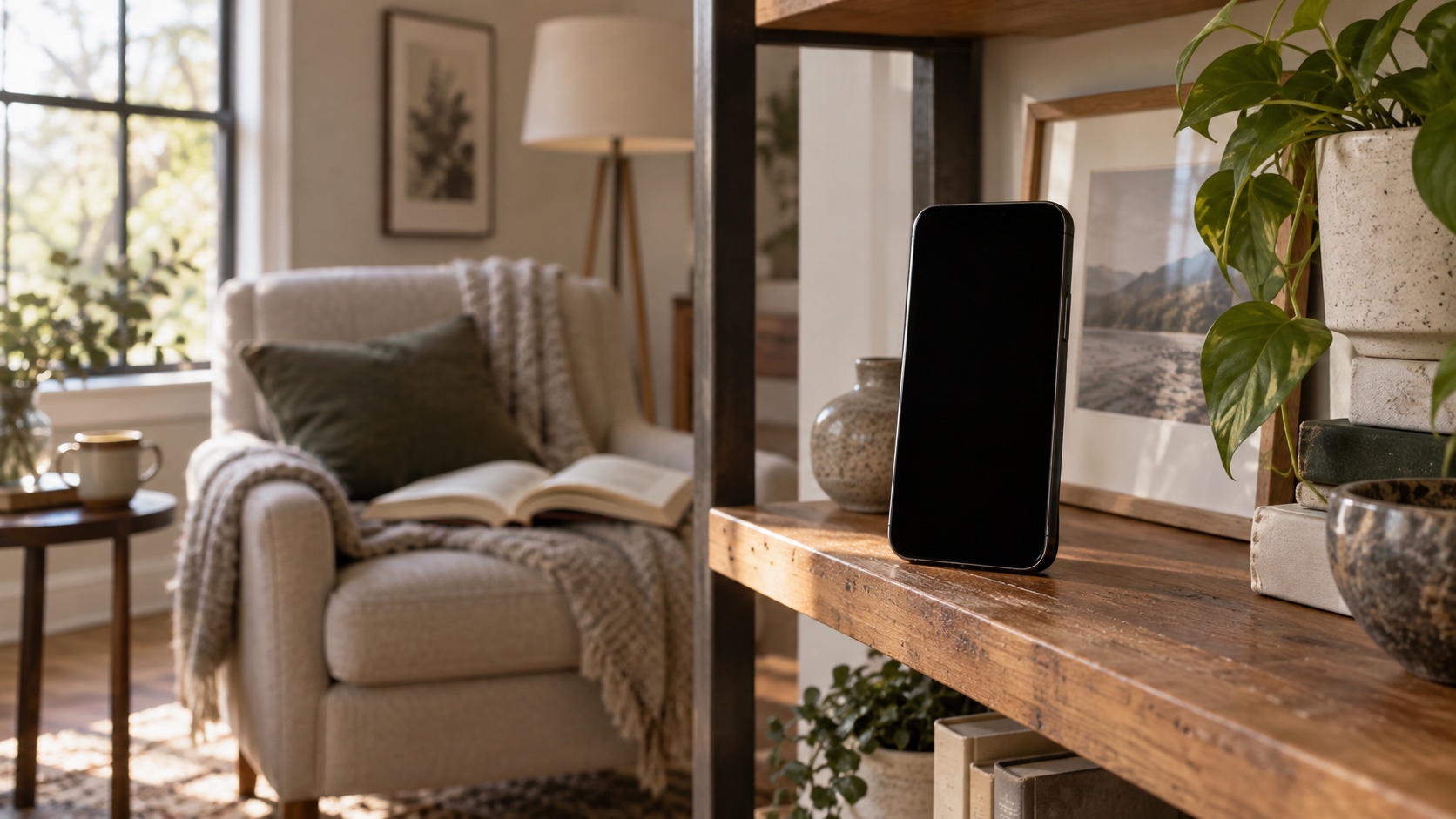
Friction Is a Dial, Not a Verdict
The word "friction" sounds like punishment, which is why most people skip it. The reframe: friction is the number of steps between you and an action, and it is morally neutral. The same dial that makes a feed app cost two extra taps makes a packed gym bag cost zero extra thoughts. The Friction as the Master Lever page builds the general case; this page applies it to the phone, dial by dial.
- ⚖️ Friction is adjustable, not permanent. Every dial here turns up, down, or off in under a minute. That reversibility is the point: experiments, not contracts.
- 🧠 Willpower is the expensive option. Motivation peaks in the morning and drains across the day; a phone setup does not get tired. The dial works at 10 p.m. on the day you least feel like deciding.
- 📉 The phone is already a friction machine — aimed at you. Every app ships with one-tap access, autoplay, and push alerts because each removed step raises the odds you keep using it. This page just aims the same machinery in the other direction.
Product picks are generic categories, not brands. We may earn a commission on Amazon or iHerb purchases at no cost to you — this never changes our evidence conclusions. Full disclosure
Simple alarm clock
Can support keeping a phone out of the immediate sleep environment and maintaining a consistent wake cue.
⚠️ An alarm device cannot compensate for insufficient sleep or treat insomnia; avoid relying on it to override severe sleepiness.
Check price on Amazon →The Home-Screen Audit
The home screen is the highest-traffic real estate on earth, and whoever holds it sets your default behavior. The audit is short: ask of every icon whether it earns one-tap access — not whether you use it, but whether you want the fastest path to it.
- 🏠 Keep one screen of real tools. Phone, messages, camera, maps, calendar, banking — the things you reach for on purpose. Everything else moves out of the first screen.
- 🗂️ Move feed apps behind a search. Delete the icon and force a deliberate trip through the app library or search. The default scroll now costs a decision — and decisions at the wrong hour are expensive.
- 📁 Put the rest in one folder, on the last screen. A folder named something unflattering ("time sinks" works) keeps the apps reachable when wanted without keeping them visible.
- 🧾 Judge by logs, not memory. People underestimate their phone use by a wide margin (Andrews et al., 2015). Export a week of real screen-time data before the audit; after a week of the new setup, compare the numbers — not your feelings.
Sign-In and Account Friction
The next dial is behavioral rather than visual: how much does it cost to start a session? Logged-in apps make it zero-step; logged-out apps make it a small ceremony — exactly the pause a habit needs to be interrupted.
- 🔑 Log out of the feed apps. Keep the accounts, drop the persistence. Signing in with a password each time adds ten seconds and one decision — enough to stop the reflexive open, not enough to stop the deliberate one.
- 🗝️ Remove saved credentials from the worst offenders. On a phone you control it is a small inconvenience; on a shared device it also protects your accounts. Start with one app.
- 🔐 Keep the tools friction-free. Banking, messaging, maps, and two-factor apps should stay one tap away. The goal is not a phone that is annoying — it is a phone that is annoying in the right places.
- 🚪 Make the exit cheap instead. Logging out adds friction at the start; deleting data adds friction at the end. If the app makes leaving hard, that is a sign the account friction dial is doing more than its share.
🧱 Friction is aimed, not applied
The error is turning every dial to maximum and calling it discipline. A phone that fights you for the map or the message thread gets its dials turned back down — and the whole setup collapses. Aim friction at what you want less of; leave the tools alone.
Grayscale and the Color Cue
Screen color is a cue, not a decoration. Saturated icons and badges are designed to catch the eye's automatic attention systems; grayscale removes that hook while leaving every function intact. In one small study, students who switched to grayscale spent meaningfully less time on their phones over the following weeks (Holte & Ferraro, 2020). The effect appears to be about salience, not function.
- 🎨 Turn it on for a week, then decide. One setting, fully reversible. The first two days feel flat and the third feels normal; the adaptation is fast, which is also why the effect can fade.
- 📷 Keep color where it serves you. Camera, photo editing, and anything color-critical can be excluded from the schedule or opened through shortcuts that bypass it.
- 🔴 Pair it with badge removal. Red badges are the most aggressive color cue on the screen. Turn off badge counts for everything not on the alert allowlist from the notification architecture page, and the home screen goes quiet twice.
Placement and Charging
The cheapest friction dial is physical distance, and it works through the same visibility channel the candy-dish studies mapped: what is within reach gets reached. A phone on the desk is a running distraction even silenced — its mere presence appears to consume working-memory capacity (Ward et al., 2017).
- 🔌 Charge outside the bedroom. One move that adds a step to the midnight scroll and subtracts a step from falling asleep; the Bedroom Engineering protocol page documents the sleep side of the swap.
- 🪑 Give the phone a home, not a pocket. A charging spot by the door or on a shelf makes the phone something you visit, not something that travels with you from room to room.
- 🖥️ Leave the phone out of the work surface. During focused work, the phone goes to the charging spot or another room entirely. Distance is the one dial with no adaptation problem: a phone in another room cannot be picked up reflexively.
The Setup Sequence
One evening, about twenty minutes, in this order. The sequence front-loads the cheap dials so the expensive ones never feel like a project.
- 📤 Export a week of screen-time data. The baseline every future comparison needs — screenshot it or write the headline numbers down.
- 🧹 Move the feed apps off the home screen. Five minutes, the single largest reduction in one-tap access.
- 🔌 Set the charging spot and move the charger. The bedroom swap alone changes the start and end of every day.
- 🎨 Turn on grayscale. One setting, reversible in ten seconds, judged after a week — not after an hour.
- 🔑 Log out of one feed app. The highest-friction dial, so it goes last and starts small. One app, one week, then decide about the rest.
Tuning, Not Prohibition
A friction setup is a hypothesis, and hypotheses get tested. Keep the dials you do not notice and the behaviors you do; the setup earns its keep in the screen-time log, not in the feeling of virtue. Miss a week? The never-miss-twice principle applies to setups as much as habits: one lapse is data, two in a row means the dial was set too high — lower it, do not try harder.
- 📊 Compare the logs weekly. The reset page in this series (the weekly digital reset) turns this comparison into a standing routine.
- 🔁 One dial at a time. Change one thing, measure a week, keep or reverse it. Five dials changed at once give you no information about which one worked.
- 🩺 Know what the phone cannot fix. If scrolling, avoidance, or anxiety about the phone seriously interferes with daily function, that is a conversation for a qualified professional. Digital habits are not a mental-health condition, and friction is a rearrangement — not a treatment.
| Dial | What it changes | One-time cost | Reversible |
|---|---|---|---|
| 🏠 | Home-screen removal: one-tap access becomes a search | ≈ 1 min | Yes |
| 🔑 | Sign-in: a session starts with a decision, not a tap | ≈ 5 min | Yes |
| 🎨 | Grayscale: removes the color cue while keeping function | ≈ 2 min | Yes |
| 🔌 | Charging spot: adds distance to the reflexive reach | ≈ 1 min | Yes |
The four dials of the phone-friction setup — every one reversible in under a minute.
The Bottom Line
- Friction is a choice, not a verdict. It is the step count between you and an action — adjustable, reversible, and aimed at the behaviors you want less of.
- The home screen and the charger are the big dials. One-tap access and physical proximity do more of the work than any other settings; both take minutes to change.
- Judge by logs, not by mood. Export screen-time data before and after, because self-reports underestimate use by a wide margin.
- Run one dial at a time. Change, measure for a week, keep or reverse. A setup that fails is information, and the fix is a lower setting — not a stronger resolution.
Related Topics
- Oulasvirta, A., Rattenbury, T., Ma, L., & Raita, E., "Habits make smartphone use more pervasive," Personal and Ubiquitous Computing (2012)
- Andrews, S., Ellis, D. A., Shaw, H., & Piwek, L., "Beyond self-report: tools to compare estimated and real-world smartphone use," PLOS ONE (2015)
- Ward, A. F., Duke, K., Gneezy, A., & Bos, M. W., "Brain drain: the mere presence of one's own smartphone reduces available cognitive capacity," Journal of the Association for Consumer Research (2017)
- Holte, A. J., & Ferraro, F. R., "True colors: grayscale setting reduces screen time in college students," The Social Science Journal (2020)
- Wilmer, H. H., Sherman, L. E., & Chein, J. M., "Smartphones and cognition: a review of research exploring the links between mobile technology habits and cognitive functioning," Frontiers in Psychology (2017)