Notification Architecture: Auditing the Interruptions
Every alert on your phone is a design decision made by someone else's software, and almost none of them were made with your attention in mind. This page walks through auditing the alerts you tolerate, setting response windows you actually keep, and drawing the line between urgent and merely interrupting — so your phone pushes less and you check more on purpose.
What the evidence supports
- Interruptions measurably delay returning to a task — in one office field study, an average of 23 minutes (Mark et al., 2008).
- An alert can disrupt attention even when it is never opened (Stothart et al., 2015), and batching alerts into set windows appears to improve focus and mood (Fitz et al., 2019).
- Smartphone use is driven heavily by automated checking habits, not deliberate choices (Oulasvirta et al., 2012).
What remains uncertain
- Most interruption studies run in labs or offices over days; how long a redesigned alert setup keeps working in your own life is individual.
- Whether one alert policy (batching, blocking, allowlisting) beats another has not been directly compared in long trials.
Evidence last reviewed: August 20, 2026. Conclusions may change as new research is published.
What an Alert Actually Is
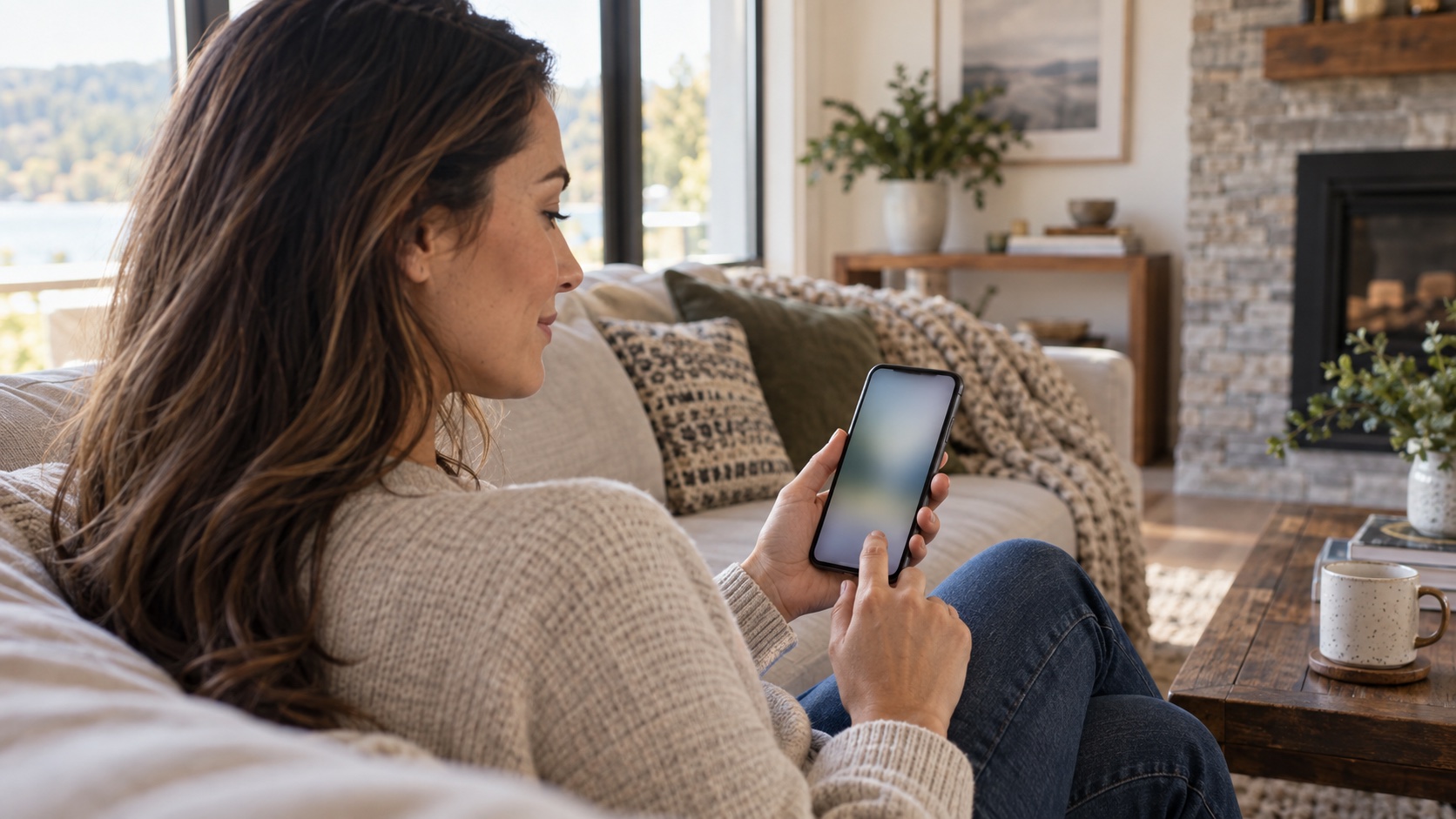
A notification is a request for attention made by software on your behalf, and it changes the economics of your attention. Without alerts, checking a phone is a pull: you decide, you reach, you look. With alerts, checking is a push: the device decides for you, dozens of times a day. The push is the more powerful of the two because it skips your decision entirely — which is exactly why apps compete to earn it.
- 📨 Push, not pull. A notification converts a choice into a reflex. The phone does the remembering, the timing, and the nudging; you supply only the glance. Research on phone use finds much of it runs as automated checking — short bursts cued by the device rather than by need (Oulasvirta et al., 2012).
- 🧭 A cue, not a message. The content matters less than the interruption. An alert is first a context change — it yanks you out of whatever you were doing — and only second a piece of information. The Habit Formation protocol lead covers why cues drive behavior; this page is about pruning the cues.
- 💸 A transaction. Every alert spends a slice of attention, whether you answer it or not. You never see the bill, which is the design flaw this page exists to fix: the cost is invisible, so the alerts keep coming.
Product picks are generic categories, not brands. We may earn a commission on Amazon or iHerb purchases at no cost to you — this never changes our evidence conclusions. Full disclosure
Guided journal or notebook
Can support reflection, planning, or brief stress-management practices.
⚠️ Journaling may be distressing for some people; it is not a substitute for mental-health treatment or crisis support.
Check price on Amazon →The Interruption Tax
The price of an interruption is not the five seconds it takes to read the alert — it is the minutes of re-entry after it. Researchers have measured this in both field and lab settings, and the numbers are consistently larger than intuition suggests.
- ⏱️ The return trip. In a field study of office workers, people took an average of 23 minutes to return to a task after an interruption, and they worked faster to compensate — at a measurable cost in stress (Mark et al., 2008).
- 🧠 Attention residue. Even after you switch back, part of the mind stays with the interrupted task. This residue appears to degrade performance on the next task, a finding replicated across several studies (Leroy, 2009).
- 🔇 The alert you never touched. In a lab study, a notification that participants were told to ignore still measurably disrupted performance on an attention task (Stothart et al., 2015). The interruption tax is levied on arrival, not on response.
Urgent, Conversational, and Merely Interrupting
Before changing a single setting, sort what actually arrives. The sorting test has two questions, and an alert that fails both does not deserve real-time access to you.
- ⏰ Does it need a reply within the hour? A child's pickup time, an on-call page, a surgical result — these are time-sensitive. Almost everything else survives an hour of silence.
- 👤 Does it need you specifically? A group thread continues without you; a broadcast goes to everyone; only a direct message aimed at your name is actually yours to answer.
| Type | Example | Default | Verdict |
|---|---|---|---|
| 🔔 | Real-time urgent: family emergency, on-call work, health alerts | May interrupt anytime | Keep |
| 💬 | Conversational: direct messages that can wait an hour | Batched into set windows | Batch |
| 📰 | News, feeds, and app suggestions | Silent — checked on your schedule | Block |
| 🛒 | Transactional: receipts, two-factor codes, order updates | Silent; the code arrives when you ask for it | Block |
The four buckets of the alert audit — most of what arrives lands in the last two.
🔔 The two-question test
If an alert needs neither a reply within the hour nor you specifically, it is not urgent — it is interrupting. Treating those two as the same thing is how a phone becomes a broadcast channel instead of a tool.
The Alert Audit
The audit takes one evening, and its only hard requirement is that you log real alerts rather than guess. Memory is a generous accountant — a logged 48 hours is not.
- 📋 Inventory the push. Open the notification settings and list every app that may alert you. Most people find 20 to 40. Write them down before changing anything.
- 🧾 Log two ordinary days. For each alert, note the app, whether you acted, and whether it mattered. Two weekdays beat a weekend — weekends are quiet by design.
- 🗂️ Sort into allow, batch, or block. The table above is the sorting key. Apps that produced nothing you acted on in 48 hours default to block; nothing is lost by trying it for a week.
- ✂️ Cut the noise first. Shopping, games, news, and social apps rarely survive the audit. Removing them costs nothing and cuts the alert count by the largest share.
- 📊 Re-read the log in a week. The point of the log is a before-and-after. If your alert count did not fall by most of its volume, the audit was too kind.
Response Windows
Batching is the middle path between always-on and unreachable: instead of answering alerts as they arrive, you answer them at set times. In a four-week trial, people who received notifications in three daily batches reported feeling more productive and less anxious than those who got each alert immediately (Fitz et al., 2019). The mechanism appears to be control: batching hands the schedule back to you.
- 🕒 Pick three windows. A common shape is morning, midday, and late afternoon — the same hours email used to arrive. Answer conversational messages only inside them.
- 🔇 Everything else silent. Turn off notification sounds and badges for anything not in the urgent bucket. Silence is the default; sound becomes a signal that something rare happened.
- 📵 Use focus modes for the gaps. Most phones ship a do-not-disturb schedule. Set it to the hours you work and sleep, and let the urgent allowlist through — the same list you wrote in the audit.
- 🔁 Tell people the schedule. An away message or status that says "checking messages at noon and five" converts your policy into information others can plan around, which is the polite half of the arrangement.
The Allowlist, Written Down
An allowlist turns the audit from a one-time purge into a standing policy. Write it down — the act of writing forces the decisions the audit asked you to make, and gives next month's review something to argue with.
- 👨👩👧 People who may interrupt. Partner, children, parents, the person who would drive you to the airport. Usually a short list — five or fewer.
- 🏥 Health and safety. Medical portals, school closures, security alerts. These earn real-time access because delay has a cost.
- 💼 Paid obligations. On-call rotation, a colleague covering your deadline. If it is in a contract or a calendar, it belongs here; if it is just a habit, it does not.
- 📅 Review monthly. Allowlists drift. A monthly re-read of the list — the same habit this series builds in the weekly digital reset — catches apps that talked their way back in.
When Alerts Are Not the Problem
It is worth stating plainly: digital habits are not a mental-health condition, and an alert audit is a rearrangement, not a treatment. If distraction, compulsive checking, or anxiety about messages is seriously interfering with work, school, or relationships — missing deadlines, avoiding people, losing sleep on a regular basis — that is a conversation for a qualified professional, and no settings change replaces it. For most people, the same audit that reduces alerts also frees attention for the things that make the effort worthwhile — the hobbies and habits that give attention a destination.
🩺 The professional handoff
If screen use or the anxiety around it is seriously interfering with daily function, talk to a qualified professional. An alert audit may help around the edges; it is not a substitute for clinical support.
The Bottom Line
- Notifications are interruptions by design. They arrive as pushes that skip your decision, and each one taxes attention on arrival — whether you answer it or not.
- Sort with two questions. Does it need a reply within the hour, and does it need you specifically? Alerts that fail both do not deserve real-time access.
- Batch, do not ban. Three daily response windows plus a written allowlist keeps the urgent channels open while cutting the alert volume by most of its count.
- Log before you judge. A 48-hour alert log is the before-and-after that makes the audit honest — and a monthly re-read keeps the allowlist from drifting back.
Related Topics
- Altmann, E. M., Trafton, J. G., & Hambrick, D. Z., "Momentary interruptions can derail the train of thought," Journal of Experimental Psychology: General (2014)
- Mark, G., Gudith, D., & Klocke, U., "The cost of interrupted work: more speed and stress," Proceedings of CHI 2008
- Leroy, S., "Why is it so hard to do my work? The challenge of attention residue when switching between work tasks," Organizational Behavior and Human Decision Processes (2009)
- Stothart, C., Mitchum, A., & Yehnert, C., "The attentional cost of receiving a cell phone notification," Journal of Experimental Psychology: Human Perception and Performance (2015)
- Oulasvirta, A., Rattenbury, T., Ma, L., & Raita, E., "Habits make smartphone use more pervasive," Personal and Ubiquitous Computing (2012)
- Fitz, N., Kushlev, K., Jagannathan, R., Lewis, T., Paliwal, D., & Ariely, D., "Batching smartphone notifications can improve well-being," Computers in Human Behavior (2019)